
Review your karaoke nights
See requests, songs sung, and how the queue evolved.
For DJs and karaoke hosts
Karanote is online software for DJs and karaoke hosts that collects song requests via QR code and manages the singer queue in real time. Guests join from the browser—no app, no registration.

Use your own system for the backing tracks. Karanote handles the requests.
Set up the space your guests will access.
Guests join from their phone, with no app and no registration.
Follow the queue in real time and keep control of the night.
Receive requests from your guests' phones and organise the turns during the night.

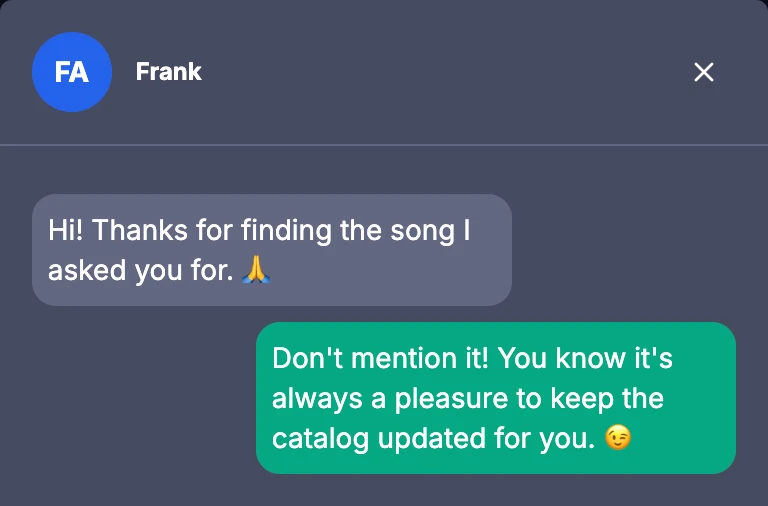
Message whoever requested a song without leaving the dashboard.
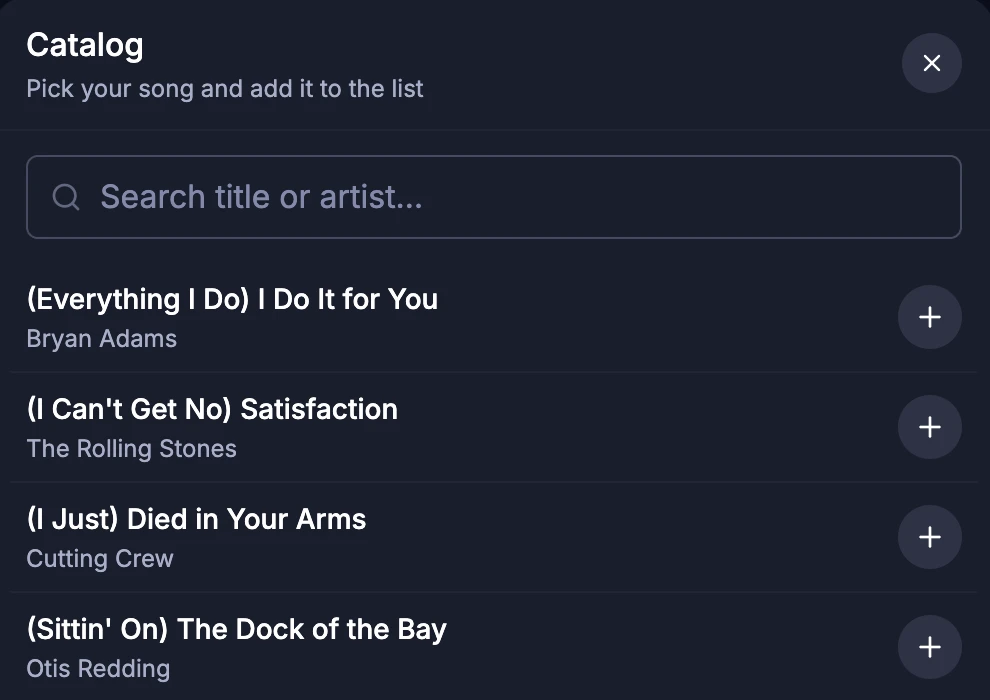
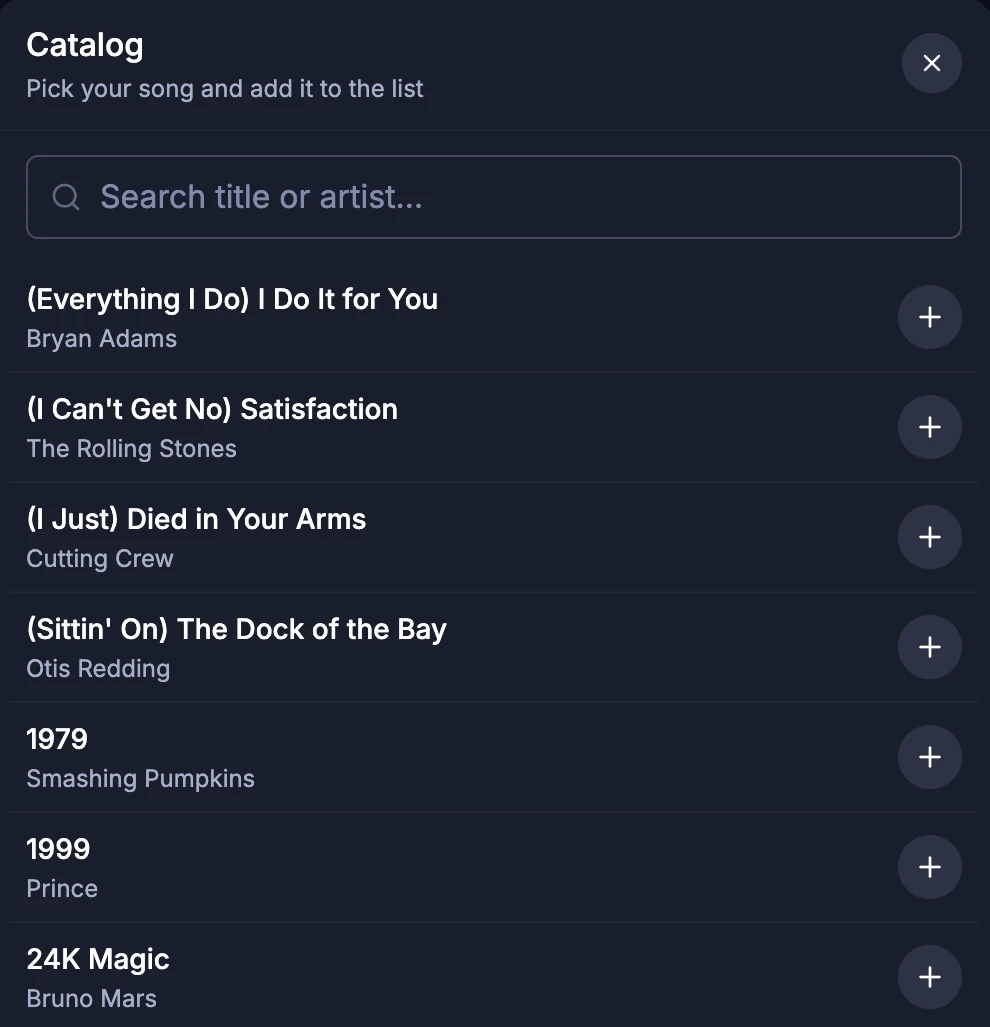
Guests search by title or artist and send the request from your catalog.
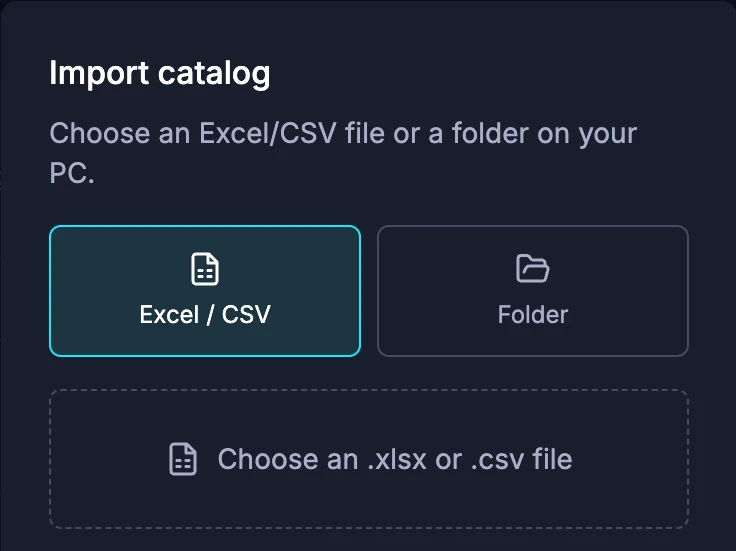
Import from Excel or CSV, generate the catalog from a folder, or add songs manually.
The catalog contains the list of your songs. The backing tracks stay in the system you use to play them.
Show the QR code, current singer, and who’s next on a dedicated screen.
It opens in the browser, in a resizable window or full screen.

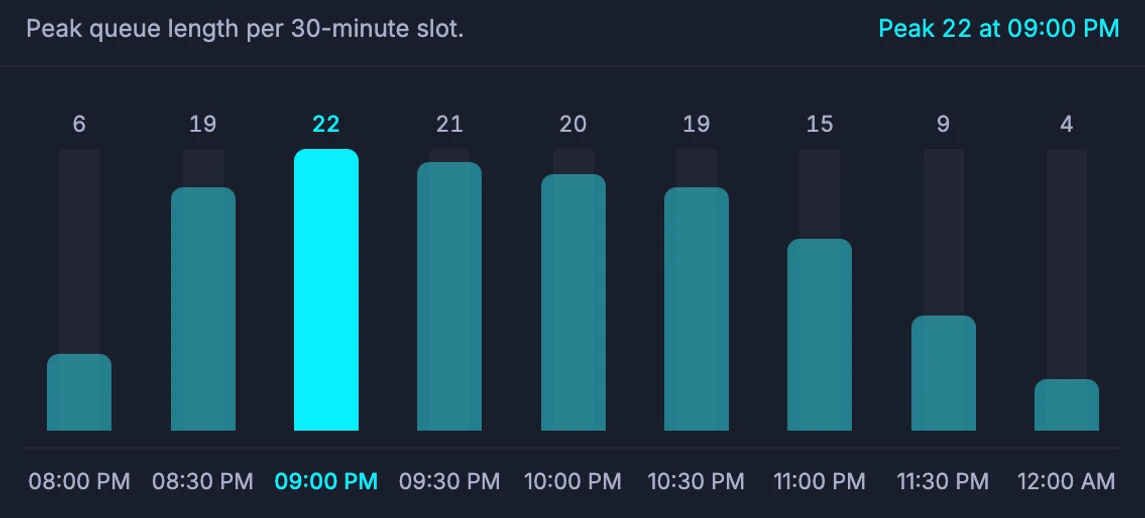
See requests, songs sung, and how the queue evolved.
Publish your events in the guests’ room.

“The chat feature is great too. I saw people having fun like in the good old days of bar phones. An excellent and well-made tool.”
Read the full text
“The nights run smoothly, and everyone is happy. The queue is perfectly managed, and there are no complaints about waiting times. People know exactly when their turn is. The chat feature is great too. I saw people having fun like in the good old days of bar phones. An excellent and well-made tool.”

Guido
Eu4ia Vibes“A fun, reliable, and especially useful method to always keep track of your turn.”
Read the full text
“Just enter your name and request your song to join the karaoke. You’ll have a real-time queue and can chat privately with others or message me directly. A fun, reliable, and especially useful method to always keep track of your turn.”

Francesco
Nigredo Live Music
Try all features for 14 days from registration. No credit card needed.
After the trial you can continue with a subscription or a single-night pass. Your account stays accessible after it expires.
The essentials on requests, catalog, screen and the free trial.
It’s a tool for DJs and karaoke hosts that collects requests via QR code and lets you manage the queue, catalog, and messages during the night.
No. They join from the browser via QR code or link and send requests without registering.
No. It handles request management; you keep using your own karaoke system for music and lyrics.
Import from Excel or CSV, generate it from a folder on your computer, or add songs manually. Guests can browse it and search by title or artist.
Yes. You can reorder the queue, edit and decline requests, set limits per person and turn on fair turns, which put guests who haven’t sung yet ahead of those waiting for a second song.
Yes. The venue screen opens in a resizable or full-screen browser window, with QR code, current singer, and upcoming singers.
No. They can also join through a shared link.
From registration. The trial includes all features and does not require a credit card.
You can still access the account, but starting nights, editing the catalog, and other operational features require a plan or pass.
Yes. Besides subscriptions, single-night passes are available.